
Информация о товаре
Philips 65BDL3050Q/00
Описание на английском языке:
Описание на английском языке:
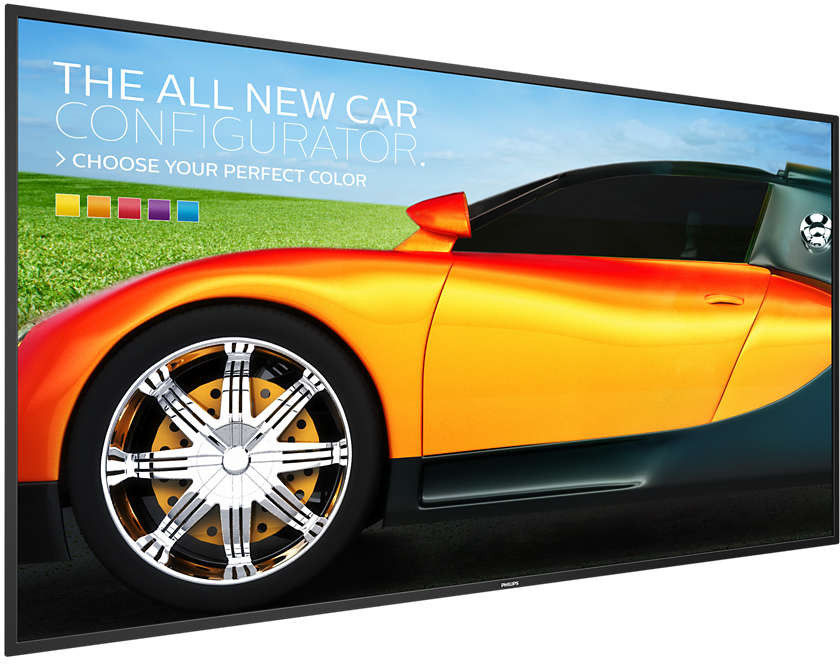
CMND: Take control of your displays A robust display management platform, CMND puts the power back into your hands. Update and manage content with CMND & Create or control your settings with CMND & Control. It's all possible with CMND.
Manage settings of multiple displays with CMND & Control With CMND & Control, easily manage multiple displays in a central location. With real time display monitoring, setting and software updates from a remote location, and the ability to customize and configure multiple displays at once, such as video wall or menu board displays, controlling your suite of displays has never been easier.
Create and update content with CMND & Create Design and create compelling content with CMND & Create, a powerful authoring tool. With a drag and drop interface, preloaded templates, and integrated widgets, you'll be able to amaze your customers with compelling content. Available in portrait and landscape mode.
Connect and control your content via the cloud with HTML5 Connect and control your content via the cloud with the integrated HTML5 browser. Design your signage content online and connect it with a display or with your complete network. Simply plug in a RJ45 internet cable for network connection, connect the display with the dedicated url-address and you are ready to play your cloud based content.
Schedule what you want, when you want with SmartPlayer Turn your USB into a true cost effective digital signage device. Simply save your content (video, audio, pictures) on your USB and plug into your display.Create your playlist and schedule your content via the on screen menu, and enjoy your own created playlists anytime, anywhere.
SmartPower for energy saving The backlight intensity can be controlled and pre-set by the system to reduce the power consumption by up to 50%, which saves substantially on energy costs.
4K Ultra HD: resolution like you've never seen it before See your Signage Solutions like never before thanks to four times the resolution of a conventional Full HD display. 3840 x 2160 pixels provide and image so refined, so lifelike, it's a window to a new world.
Android: Run your own app or choose your favorite app to run WIth Android OS integrated into the display, you can work with the most developed OS on the planet and save your own app directly into the display. Or, choose from the large library of Android apps and play content from there. With the built-in scheduler, you can daypart your apps and content based on your customer and time of day and with the auto orientation feature, showing content in portrait or landscape is as simple as turning the display.
Часто покупают вместе

Беспроцентный лизинг на 12 мес.
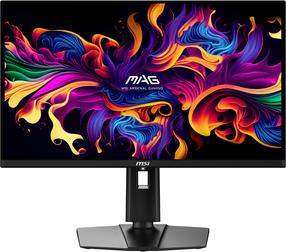
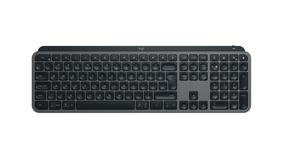
Беспроводная компьютерная клавиатура Logitech MX Keys S 920-011587, Английский (INT), графитовый цв.
94,00 €
Обычная цена
129,00 €
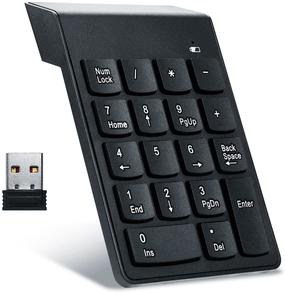
Цифровой блок Gembird KPD-W-02 Numeric Keypad, черный цв.
Обычная цена
13,39 €
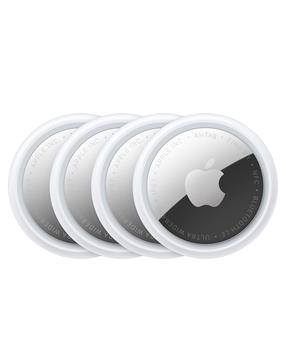
AirTag трекер предметов Apple Airtag 2 Gen, белый цв., 4 шт.
Обычная цена
119,00 €
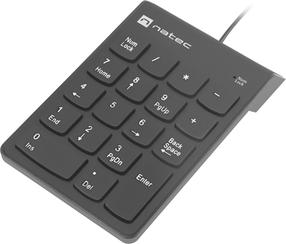
Цифровой блок Natec Goby 2, черный цв.
Обычная цена
10,09 €
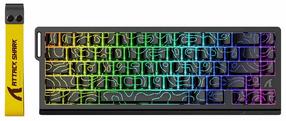
Проводная игровая клавиатура Attack Shark X68 HE Contours, Английский (US), черный цв.
64,63 €
Обычная цена
74,90 €

ТОП товар
ТОП товар
ТОП товар
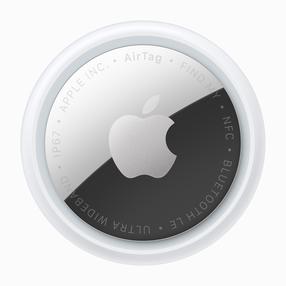
AirTag трекер предметов Apple Airtag 2 Gen, серебристый цв.
Обычная цена
35,99 €