
Информация о товаре
Часто покупают вместе
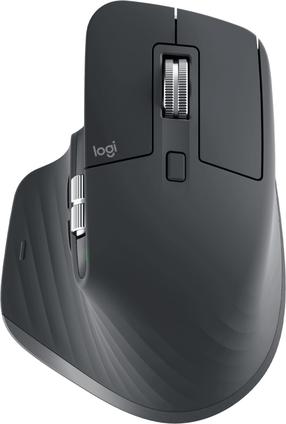
Игровая мышь Logitech MX Master 3S 910-006559, bluetooth, черный цв.
Обычная цена
147,90 €
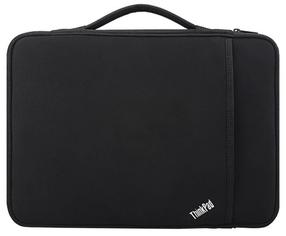
Чехол для ноутбука Lenovo ThinkPad, черный цв., 14″
Обычная цена
35,90 €
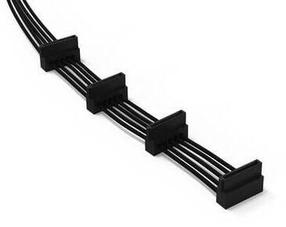
Провод be quiet! CS-3440 SATA, SATA, 0.405 м, черный цв.
Обычная цена
20,19 €

Беспроцентный лизинг на 12 мес.
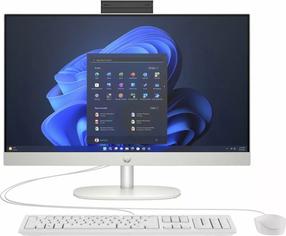
Беспроцентный лизинг на 12 мес.

0€ в пакомат
Беспроцентный лизинг на 12 мес.
0€ в пакомат
Беспроцентный лизинг на 12 мес.
0€ в пакомат
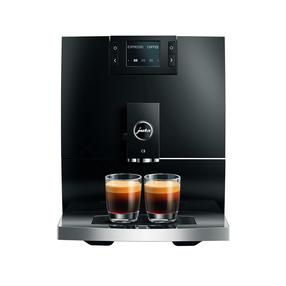
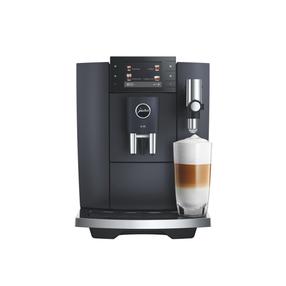
Автоматическая кофемашина JURA E8 COSMIC BLACK (ED), черный цв.
Обычная цена
1 199,00 €
Беспроцентный лизинг на 12 мес.

2X SMART NET € ВОЗВРАЩАЕТСЯ
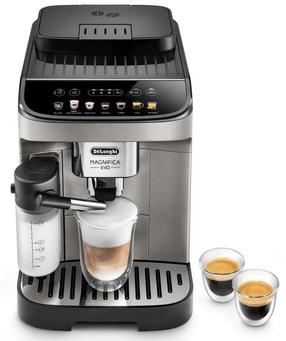
Автоматическая кофемашина DeLonghi Magnifica Evo ECAM290.81.TB, черный цв.
389,00 €
Обычная цена
509,00 €
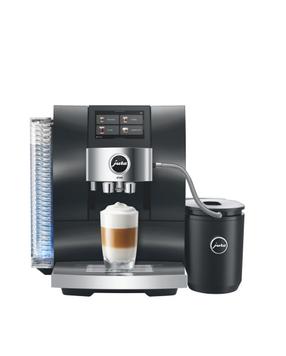
Автоматическая кофемашина JURA Z10 ALUMINIUM BLACK (EB), алюминиевый цв.
Обычная цена
2 189,00 €
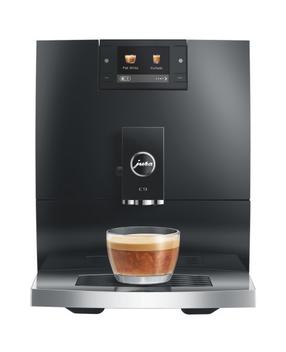
Автоматическая кофемашина JURA C9 PIANO BLACK (EA), черный цв.
Обычная цена
999,00 €