Logitech M560
Preces apraksts angļu valodā:
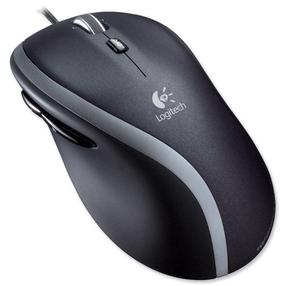
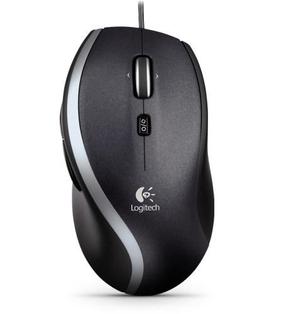
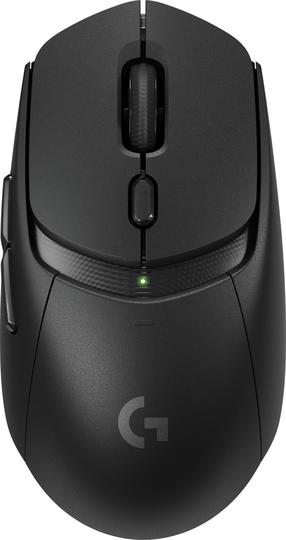
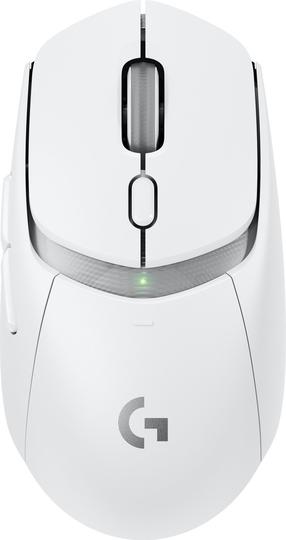
Full sized and exceptionally comfortable. This mouse helps you settle in and get more done in Windows 7 and Windows 8.
Full-size, comfort-first design
Deep, contours. Soft, rubber grips. Whether you’re a righty or a lefty, your hand is cradled naturally and comfortably—hour after hour.
Windows 8 edge menu button
No matter what you’re doing, you’re always just one click away from the things you use most, like running apps, search and settings. A button located right behind the scroll wheel gives you one-touch access to the App Bar and Charms Bar.
Two extra thumb buttons
Switch instantly between the traditional Windows desktop and apps and the new, full-screen Windows 8 interface. Or customize the thumb buttons to do exactly what you want them to.
Hyper-fast scroll wheel
In free-spinning mode, you can coast smoothly through the longest documents. In click-to-click mode, you can step precisely through spreadsheets, photo albums or playlists.
Logitech Unifying receiver
The tiny receiver practically disappears in your computer’s USB port, so there’s less chance of it being broken or damaged. Plus, you can easily add a compatible keyboard, number pad or even another mouse—without the hassle of multiple USB receivers.
Advanced 2.4 GHz wireless connectivity
You get the reliability of a cord with wireless convenience and freedom—fast data transmission and virtually no delays or dropouts.