Preces informācija
MEET THE MASTER
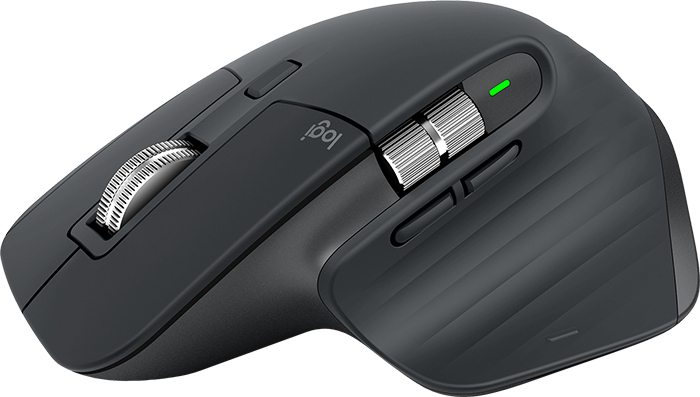
MX Master 3 is instant precision and infinite potential. It’s the most advanced Master Series mouse yet – designed for creatives and engineered for coders. If you can think it, you can master it.
We reinvented the wheel. All-new MagSpeed™ Electromagnetic scrolling is precise enough to stop on a pixel and quick enough to scroll 1,000 lines in a second. Oh, and it’s nearly silent.
The wheel’s machined steel gives it a premium tactility and enough weight to offer a dynamic inertia you feel – but don’t hear.
Work comfortably with a silhouette perfectly crafted for the shape of your palm. Create, make, and do more intuitively with ideally-placed front/back, and gesture buttons – and a new thumb wheel.
Customize MX Master 3 and configure every action for your specific workflow.
MX Master 3 is fully customizable in nearly every app you use – and you’ll work faster with predefined customizations optimized for your favorite apps3 - Adobe Photoshop®, Adobe Premiere Pro, Final Cut Pro™, Google Chrome™, Safari™, and Microsoft Word®, Excel®, PowerPoint®, and Edge.
The scroll wheel automatically shifts from line-by-line scrolling to free- spinning when you scroll faster.
GESTURE BUTTONClick and hold the button as you move the mouse to use gesture commands
MODE SHIFT BUTTONClick to manually toggle between Ratchet and Free-Spin modes
THUMB WHEELScroll horizontally with a gentle turn of the thumb wheel
BACK & FORWARDMove forward and back with perfectly-placed buttons
Seamlessly control multiple computers with your Flow-enabled MX Master 3 by simply moving your cursor to the edge of the screen. Your MX Master 3 flows with you, even between Windows® and macOS operating systems.
Effortlessly transfer text, images, and files between computers – just copy on one and paste to the other.
MX Master 3 is faster and 5x more precise than the basic mouse1 so you hit the right pixel every single time. Logitech Darkfield™ Tracking allows you to track on virtually any surface – even glass – with best-in-class 4000 DPI precision.
USB-C QUICK CHARGING
MX Master 3 stays powered for up to 70 days on a full charge – and gets three hours of use from a one-minute quick charge.5 Use the included USB-C charging cable to top up the power.
MX Master 3 works with Windows, Mac, and Linux®6 operating systems.
EASY-SWITCH ENABLEDPair your mouse with up to three devices and switch between them with the touch of an Easy-Switch™ button. Use one MX Master 3 for your laptop, home computer, and office desktop.
Bieži pirkts kopā

0 € uz pakomātu
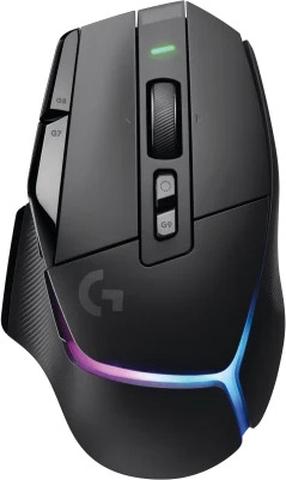
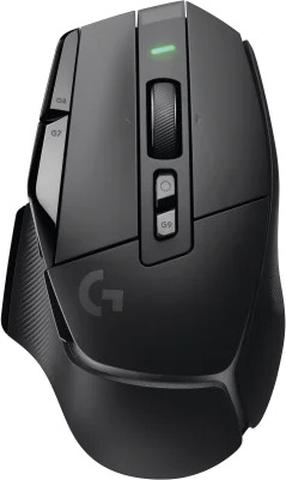
Bezvadu spēļu pele Logitech G502 X Plus Lightspeed, 2.4ghz wireless / usb, melna krās.
Parastā cena
0 € uz pakomātu
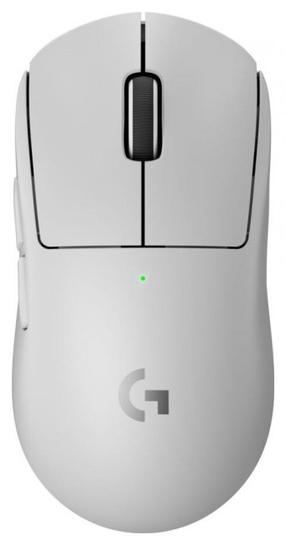
Bezvadu spēļu pele Logitech G Pro X Superlight 2 910-006638, 2.4ghz wireless / usb, balta krās.
Parastā cena
0 € uz pakomātu
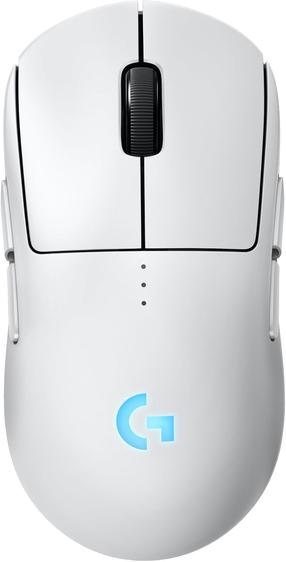
Bezvadu spēļu pele Logitech G Pro 2 Lightspeed 910-007302, 2.4ghz wireless / usb, balta krās.
Parastā cena

TOP prece
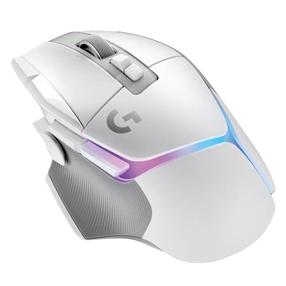
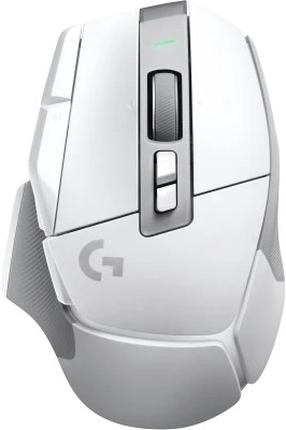
Bezvadu spēļu pele Logitech G502 X PLUS, rf technology, balta krās.
Parastā cena
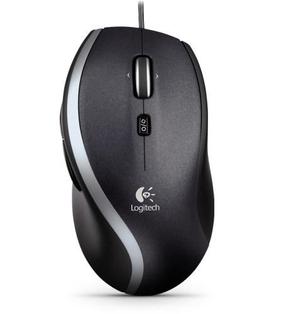
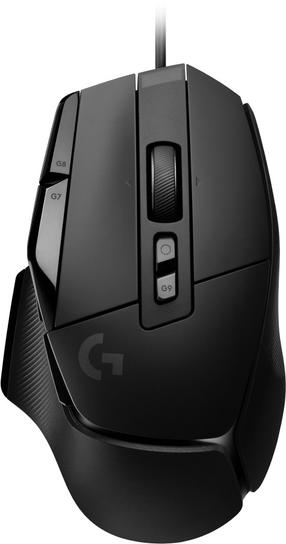
Vadu datora pele Logitech M500, ar vadu pie usb / ps/2, melna krās.
Parastā cena