Preces informācija
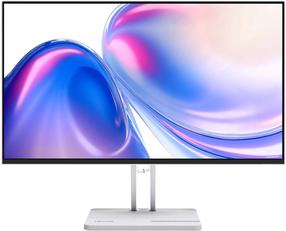
Iiyama ProLite XUB2390HS-B1
Preces apraksts angļu valodā:
Preces apraksts angļu valodā:
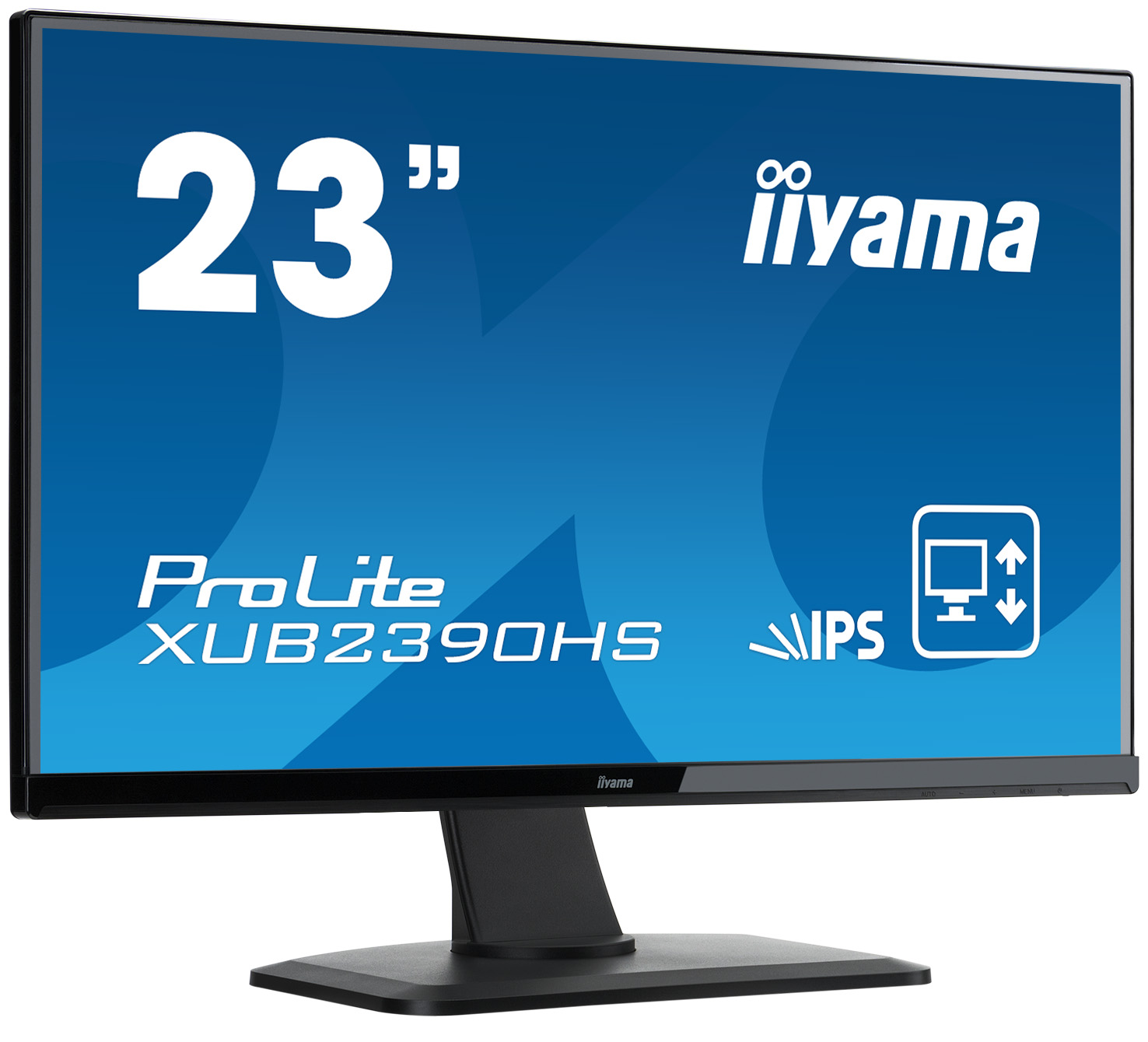
23” IPS monitor with ultra flat front and height adjustable stand
ProLite XUB2390HS is a 23” LED monitor with latest IPS Panel technology considered to be the best all round panel type. It offers accurate and consistent colour reproduction with wide viewing angles and a fast response time. A truly ergonomic stand including pivot function makes the XUB2390HS an excellent choice for photographic design, web design, standard office use. It’s the perfect choice for multi-monitor applications.
IPS
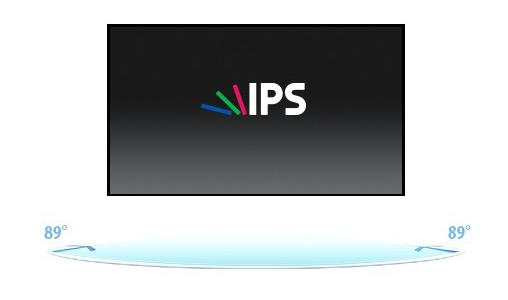
IPS technology offers higher contrast, darker blacks and much better viewing angles than standard TN technology. The screen will look good no matter what angle you look at it.
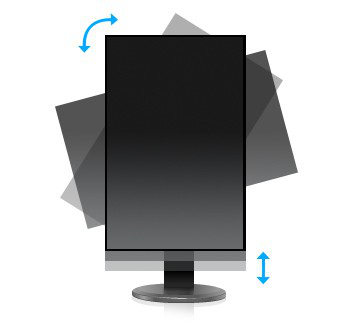
HAS + PIVOTWith a height adjustable stand you will create an ergonomic work posture and position that meets all health and safety requirements. This will not only prevent any health issues but will also increase your productivity. The pivot function allows the screen to rotate from landscape to portrait orientation. This functionality can be useful if the application requires more height than width.
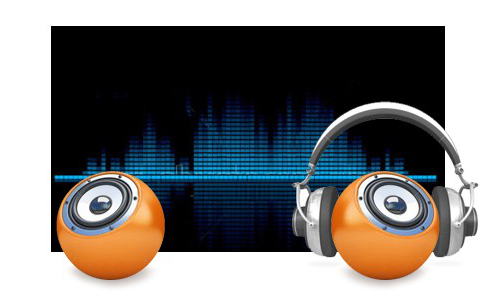 SPEAKERS AND HEADPHONESPlaying with friends? Use the integrated high quality speakers. Don’t want to disturb anybody? Plug your headset to the headphone socket and turn the volume up.
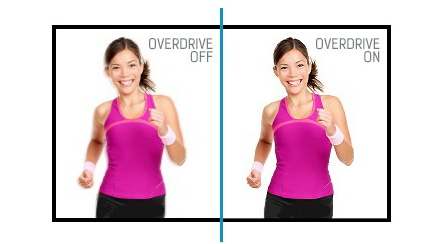 OVERDRIVE ON / OFFWhen very fast graphics are displayed your monitor can sometimes get blurry. Turning on the OverDrive feature will eliminate that.
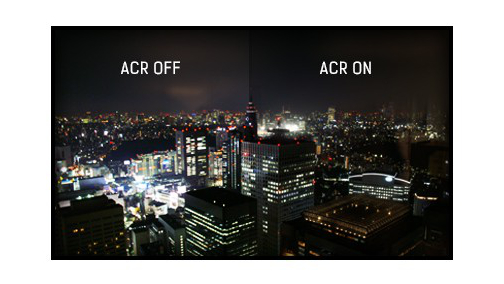 ACRContrast Ratio is a measurement of the difference between the darkest black and the brightest white your monitor can display. Advanced Contrast Ratio is a feature that automatically adjusts contrast and brightness of the screen to assure perfect picture quality while watching films and playing games.
HAS + PIVOTWith a height adjustable stand you will create an ergonomic work posture and position that meets all health and safety requirements. This will not only prevent any health issues but will also increase your productivity. The pivot function allows the screen to rotate from landscape to portrait orientation. This functionality can be useful if the application requires more height than width.
SPEAKERS AND HEADPHONESPlaying with friends? Use the integrated high quality speakers. Don’t want to disturb anybody? Plug your headset to the headphone socket and turn the volume up.
OVERDRIVE ON / OFFWhen very fast graphics are displayed your monitor can sometimes get blurry. Turning on the OverDrive feature will eliminate that.
ACRContrast Ratio is a measurement of the difference between the darkest black and the brightest white your monitor can display. Advanced Contrast Ratio is a feature that automatically adjusts contrast and brightness of the screen to assure perfect picture quality while watching films and playing games.Bieži pirkts kopā

TOP prece

Smart leasing 10
TOP prece