Preces informācija
1 HP ENVY 17 has the basic version of the Duet for HP application installed in the system. To expand functionality and gain the option of entering data with a stylus or touch, update the software to the Duet Pro version. You can do this using the Duet for HP application.


1 The HP Fast Charge function works 100% only when the operating system is turned off and when using the original HP charger (included in the set). Do not use chargers with lower power. Loading time may vary slightly depending on system tolerance. Once the battery reaches 50% charge, the charging speed will return to normal. For more information, please visit: http://store.hp.com.
2 Additional services may be required for wireless connectivity and must be purchased from third-party providers. A wireless router with a minimum frequency of 80 MHz is required .
The Power Saver function extends battery life by conserving energy and adjusting display brightness.
Automatic monitoring of temperature, charge status and usage time helps protect the battery.
A smart feature activates hibernation mode, reducing power consumption and battery overheating when you pack your laptop in your bag.
Smart Sense automatically adjusts fan performance, outdoor temperature and noise level.
Bieži pirkts kopā

0 € uz pakomātu
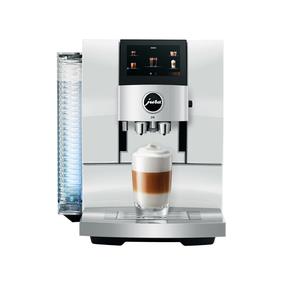

TOP prece
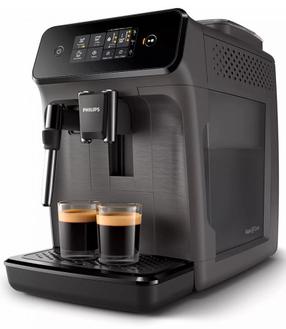
Automātiskais kafijas automāts Philips Series 1200 EP1224/00, pelēka krās.
Parastā cena
0 € uz pakomātu
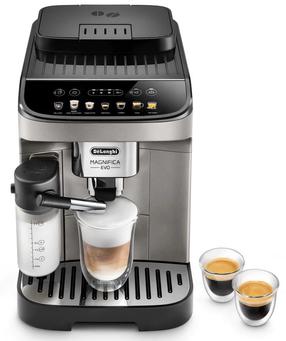
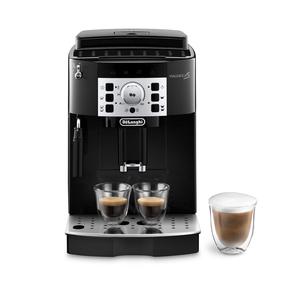
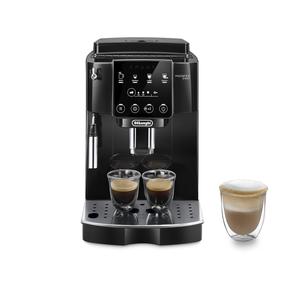
Automātiskais kafijas automāts DeLonghi Magnifica Evo ECAM290.81.TB, melns krās.
Parastā cena
0 € uz pakomātu
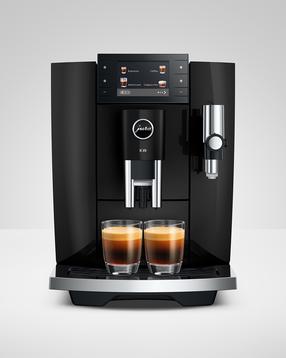
Automātiskais kafijas automāts JURA E8 PIANO BLACK (ED), melna krās.
Parastā cena
TOP prece
TOP prece
0 € uz pakomātu
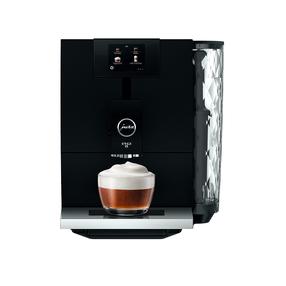
Automātiskais kafijas automāts JURA ENA 8 Full Metropolitan, melna krās.
Parastā cena