Preces informācija
Preces apraksts angļu valodā:
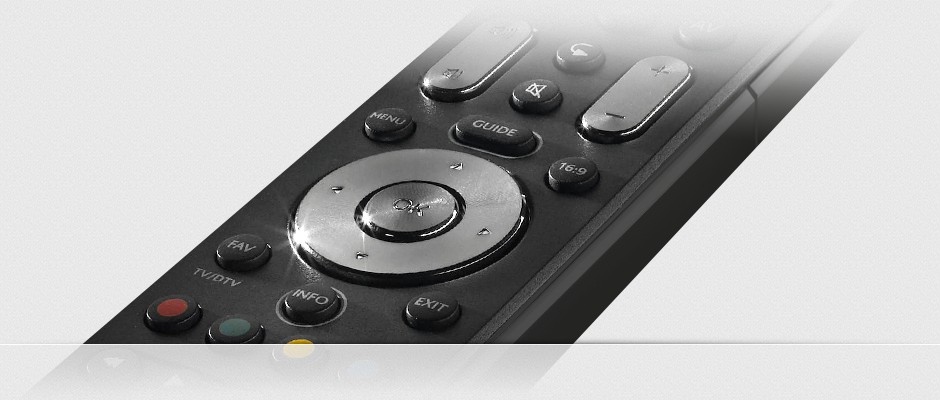
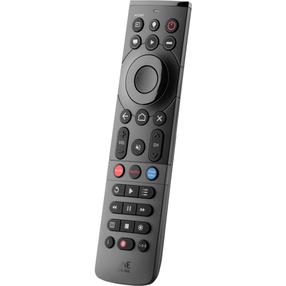
Experience full control of digital TV
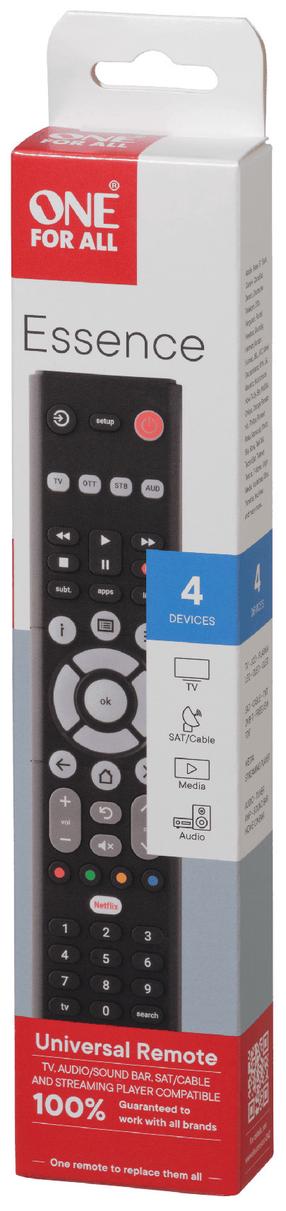
The Essence 4 is the ideal universal remote to control all your equipment without switching between device modes. You can now Control your TV and set-top- box as if they were one. No more switching between different remotes. The Essence 4 operates TV, LCD, Plasma, SAT/CABLE/ DVB-T, Freeview, DVD, Blu Ray, Amplifier, Audio, Home Cinema, up to 4 devices.
An integrated 160 degree infrared lens makes it possible to operate all Essence universal remotes at just about any angle.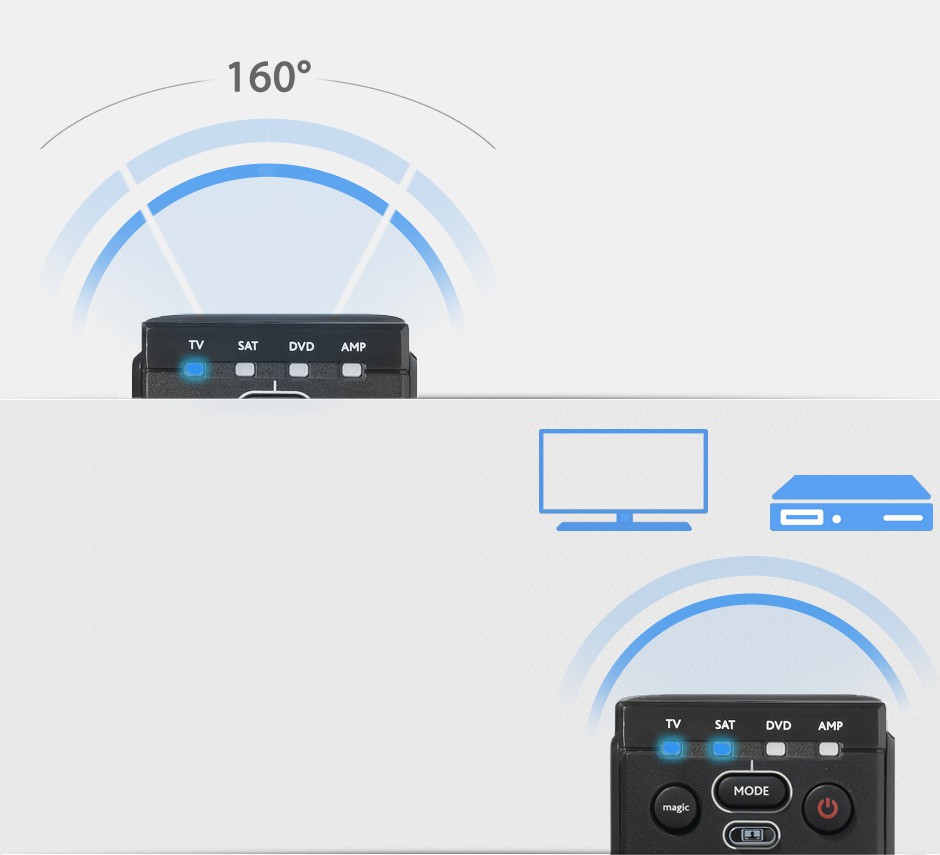
Control your TV and set-top- box as if they were one. The automatically installed CombiControl button allows you to control the TV volume and your set-top-box channels without having to switch the One For All® remote’s control mode, let alone switch between two different remotes.
Just 3 steps to set-up your device. Set-up your brand in under 30 seconds: Press the Magic button Select the device you wish to set up Press a digit key to setup your respective brand.
Bieži pirkts kopā
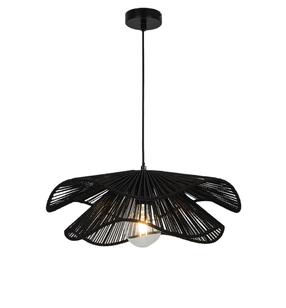
Lampa karināms Domoletti Cloud P23085A, E27, 1 x 40 W, melna krās. / melna krās.
Parastā cena
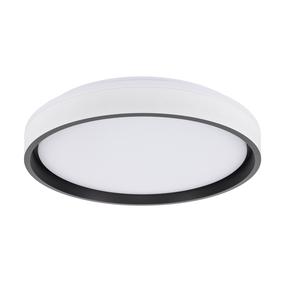
Lampa griesti Standart SHEFF MD914053, LED, 3000 - 6500 °K, 1 x 28 W, balta krās. / melna krās.
Parastā cena
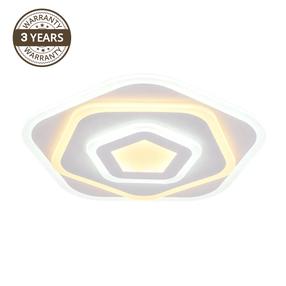
Lampa plafons Domoletti MX758661-500, LED, 3000 - 6000 °K, 1 x 83 W, balta krās. / balta krās.
Parastā cena
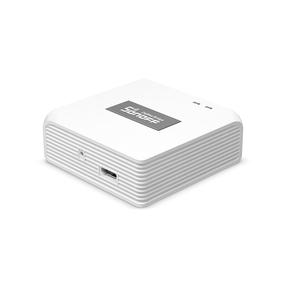
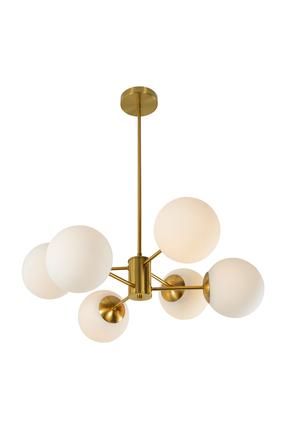
Lampa karināms Domoletti RAILE 2023666-GD, E27, 6 x 40 W, zelta krās. / zelta krās.
Parastā cena
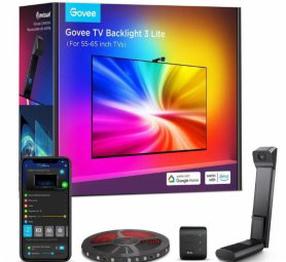
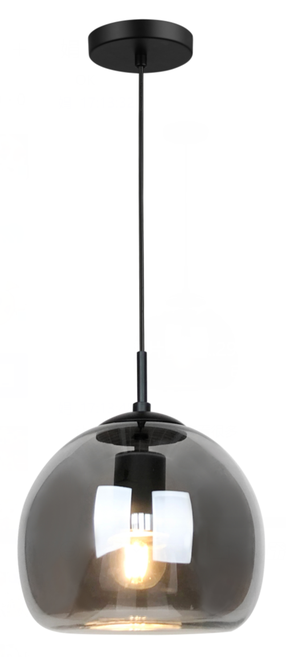
Lampa karināms Domoletti Rita MYD9131SM, E27, 1 x 40 W, melna krās. / melna krās.
Parastā cena
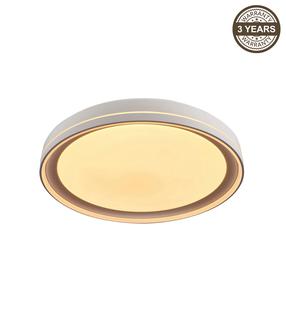
Lampa plafons Domoletti Parma B2361-1L-R, LED, 3000 - 6500 °K, 1 x 45 W, balta krās. / balta krās.
Parastā cena
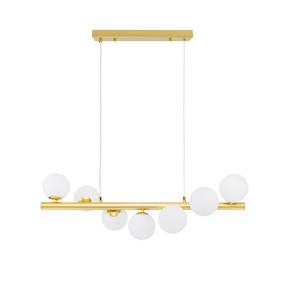
Lampa karināms Domoletti LICO THD30449-7, G9, 7 x 40 W, zelta krās. / zelta krās.
Parastā cena